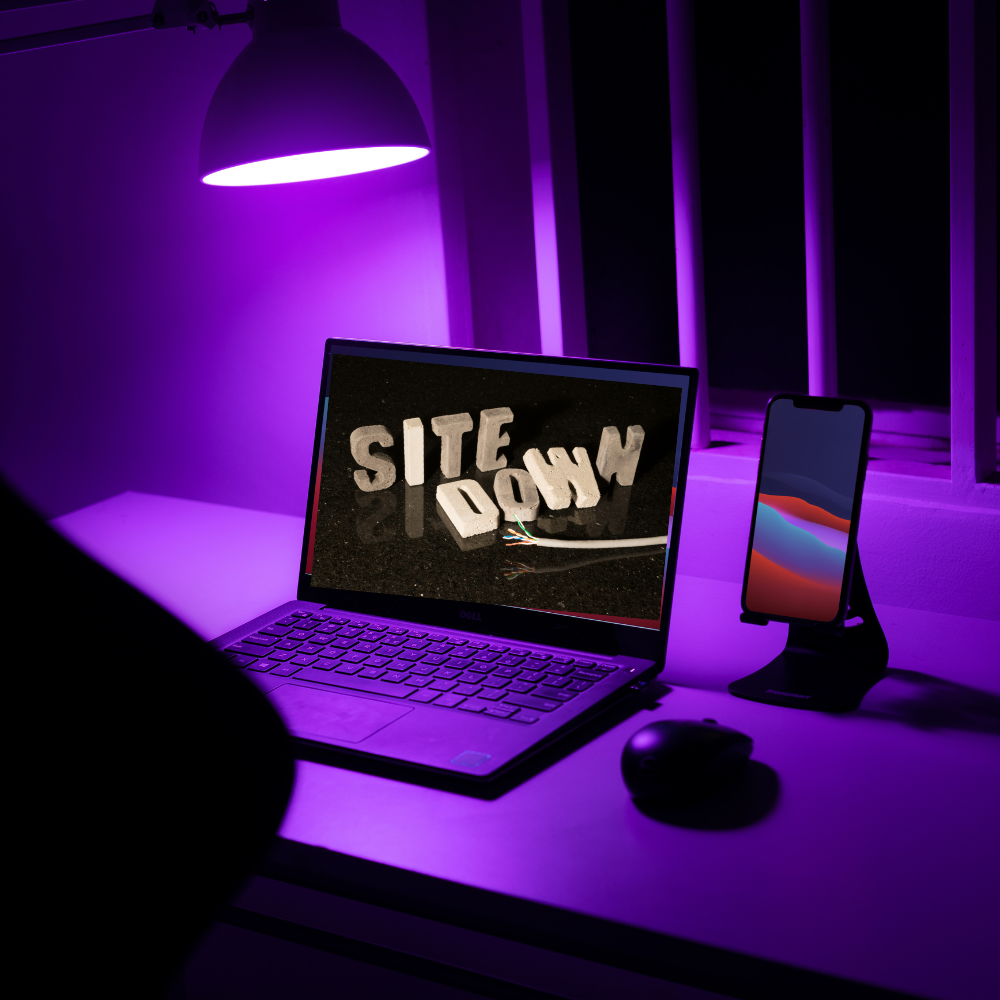
One minute, everything’s working fine. The next? Your website’s gone poof. Visitors can’t load it, your inbox is suddenly full of “Hey, your site’s down” messages, and you’re staring at a blank screen like it’s personally betrayed you. Take a breath. Hold your donkey. 🫏
Downtime happens—even to the best sites. But knowing what to check (and what not to panic about) can turn a freakout into a fast fix. Here’s the list:
Step 1: Is It Just You?
Before you go full tech mode, check if the problem is local.
Try:
- Opening your site on a different browser
- Testing it on your phone (cell data, not Wi-Fi)
- Visiting it on a friend’s computer
Still unsure? Go to DownForEveryoneOrJustMe.com or use IsItDownRightNow.com. These handy tools will tell you if the site’s down globally or just on your end.
Ninja tip: If it’s only down for you, it could be a browser issue, a cached error, or even a temporary IP block. Try clearing your cache (browser history) or rebooting your router.
Step 2: Check Your Hosting Provider's Status
If your whole site is offline, your hosting provider might be experiencing issues.
Head over to their:
- Status page (many list real-time server info)
- Social media (Twitter is the wild west, but sometimes helpful)
- Customer dashboard (some hosts alert you right in your account)
If there’s an outage on their end… well, now you wait. But at least you know it’s not your fault (and can avoid going full keyboard warrior).
Website Ninja mantra: Blame wisely, reboot quickly.
Step 3: Is Your Domain Expired?
Yes, it happens. You were sure auto-renew was on, and you swear you got a reminder email. But here we are.
Head to a site like WhoIs Lookup and search for your domain. If it’s expired, you’ll need to log into your domain registrar (like GoDaddy, Namecheap, etc.) and pay to renew it—fast.
Note: Some registrars offer a grace period, but others… not so much.

Step 4: Check for Server Overload
Shared hosting can be like sharing a pizza with 12 people—you don’t always get what you need. If another site on your server is hogging resources, your site could crash.
Youmight see:
- 500 internal server errors
- Super slow loading
- Complete timeout
If this happens frequently, it might be time to upgrade to a VPS or managed hosting, where you don’t have to fight your digital neighbors for space.
Ninja tip:> Don’t share pizza or bandwidth with people you can’t trust.
Step 5: Has Your Site Been Hacked?
Oof. We hope not—but if your site’s down and weird stuff is showing up (spammy links, redirects, suspicious pop-ups), you may have been hacked.
What to do:
- Contact your hosting provider immediately. Many offer malware scans or security cleanup.
- Check if you have a recent backup (Managed hosting for the win!)
- Change all passwords (hosting, CMS, FTP, database, etc.)
- Add security plugins or monitoring if you’re using WordPress (like Wordfence or Sucuri)
Ninja wisdom: Prevention is your best weapon—always keep software updated, use strong passwords, and enable 2FA when possible.
Step 6: Did You Break Something? (No Shame)
Hey, it happens. Maybe you installed a sketchy plugin, changed a theme setting, or edited code directly (😬). One wrong move can cause a crash, especially on platforms like WordPress.
Here’s your recovery path:
- Use your host’s restore backup feature (if available)
- To undo changes, Access your site via FTP or File Manager
- Disable plugins one by one to identify the troublemaker
Managed hosting perk: Many come with staging sites or automatic rollback features, so you can experiment without fear.
Step 7: Contact Support (Your Hosting Heroes)
If all else fails, call in the reinforcements. A good hosting provider has support that can check server logs, identify issues, and (hopefully) get your site back online fast.
Reminder: Stay calm. Take a screenshot. Be specific about what you were doing when things broke. The more precise you are, the faster the fix.
Final Word: Downtime Happens—Be Ready
Even the stealthiest websites go dark sometimes. But you don’t have to spiral into panic. With the right tools, a cool head, and a hosting provider that’s got your back, you’ll be back online in no time.
Need help choosing a hosting provider that will not vanish when things go wrong? We’ve got you covered. Website Ninjas always have a backup plan.